
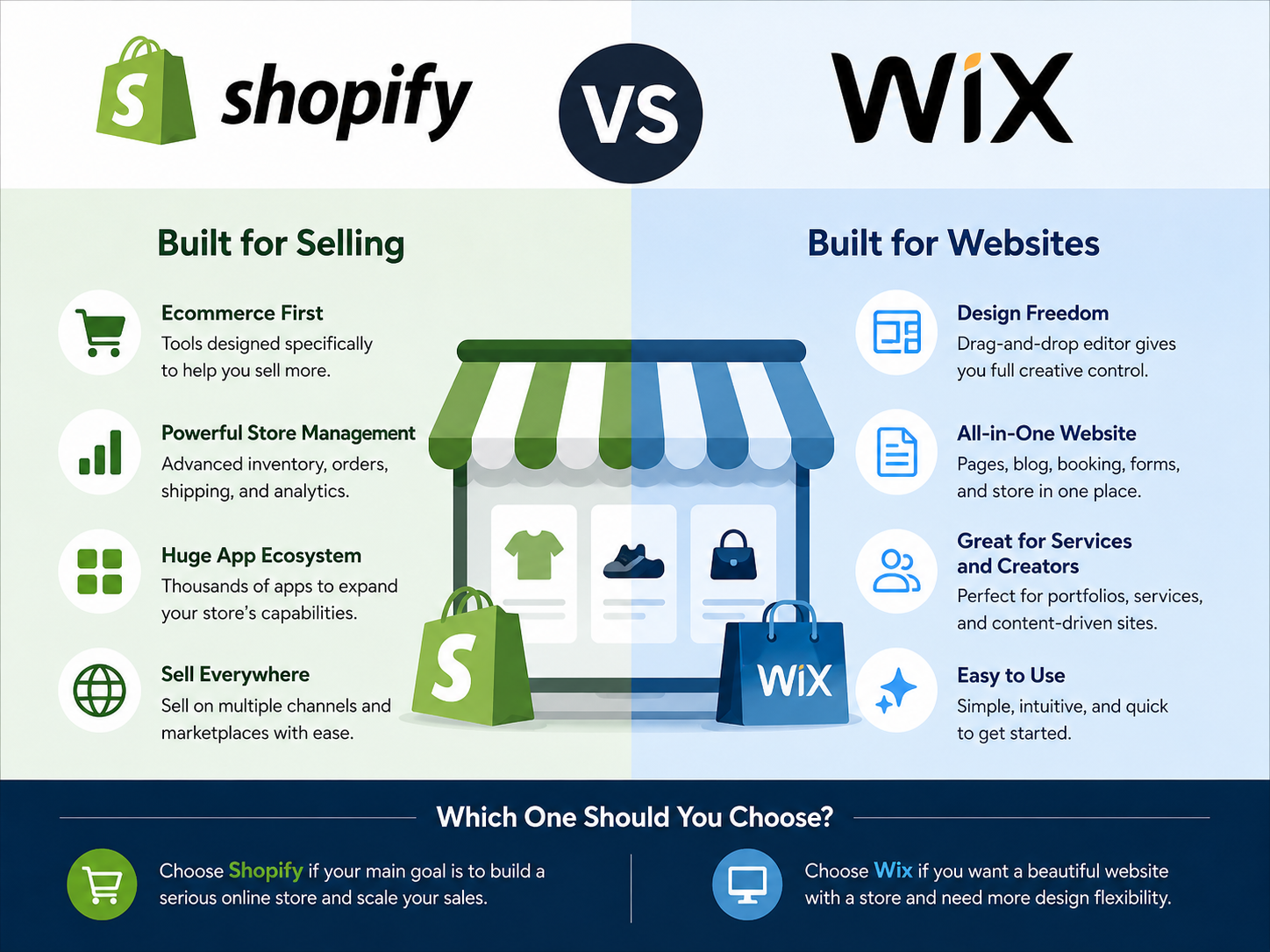


Shopify and Wix are easy to compare when you are still shopping for a platform. Both can build an attractive online store, both support product catalogs and payments, and both give small businesses enough tools to start selling without building a website from scratch.
The more useful comparison begins after the store is already live.
What happens when you need to add five new products before lunch? How quickly can you change a product page that no longer looks right? What does it feel like when three orders arrive while you are away from your desk? Can you update inventory from your phone without hunting through menus? And when the business becomes busier, does the platform help you stay organized or give you more things to manage?
That is the perspective that matters for a small business owner. You do not just build an ecommerce store once. You live with the platform every day.
The Biggest Difference Shows Up in What Each Platform Puts First
Shopify and Wix overlap in many areas, but they still feel different because they approach the job from different directions.
Shopify is built around commerce. Products, orders, customers, payments, inventory, fulfillment, discounts, and sales channels are central parts of the admin experience. Shopify’s current documentation reflects this structure: sellers can add and update product information such as pricing, variants, and availability from the Products area, while the Orders area is designed for tasks such as tracking orders, processing payments, handling changes, returns, and refunds.
Wix approaches ecommerce as part of a broader website-building environment. The company describes itself as a website builder that combines design tools with business solutions, and its ecommerce offering sits alongside other website functions rather than defining the whole platform.
For a seller, that difference can be more meaningful than comparing individual features. If most of your day revolves around products and orders, Shopify’s commerce-first structure may feel more natural. If your site is also a portfolio, content site, service business, or heavily designed brand experience, Wix may feel more comfortable because the website itself remains a central part of the system.
Adding Products: Both Can Do It, but Think Beyond the First Ten
Adding a single product is straightforward on either platform. The important question is how the process feels once you are doing it repeatedly.
Shopify lets sellers create and update products from the admin or mobile app, including details such as price, variants, and availability. It also supports additional product information through metafields, which becomes useful if your catalog eventually requires more structured data.
Wix similarly lets sellers add products through its mobile app, including images or video, product names, prices, discounts, and visibility settings. Inventory for individual products and variants can also be managed from the Wix app.
With a very small catalog, the difference may not matter much. If you sell twelve handmade items and update them occasionally, both platforms can handle the job.
The comparison becomes more important when the catalog grows. A seller with many variants, frequent inventory changes, new collections, or constant pricing updates will spend much more time in product management. At that point, I would care less about which platform was easier during the first afternoon of setup and more about which dashboard I would rather open every morning.
This is one area where Shopify’s stronger commerce orientation can become noticeable. The product catalog feels like the center of the business rather than one feature inside a larger website system.
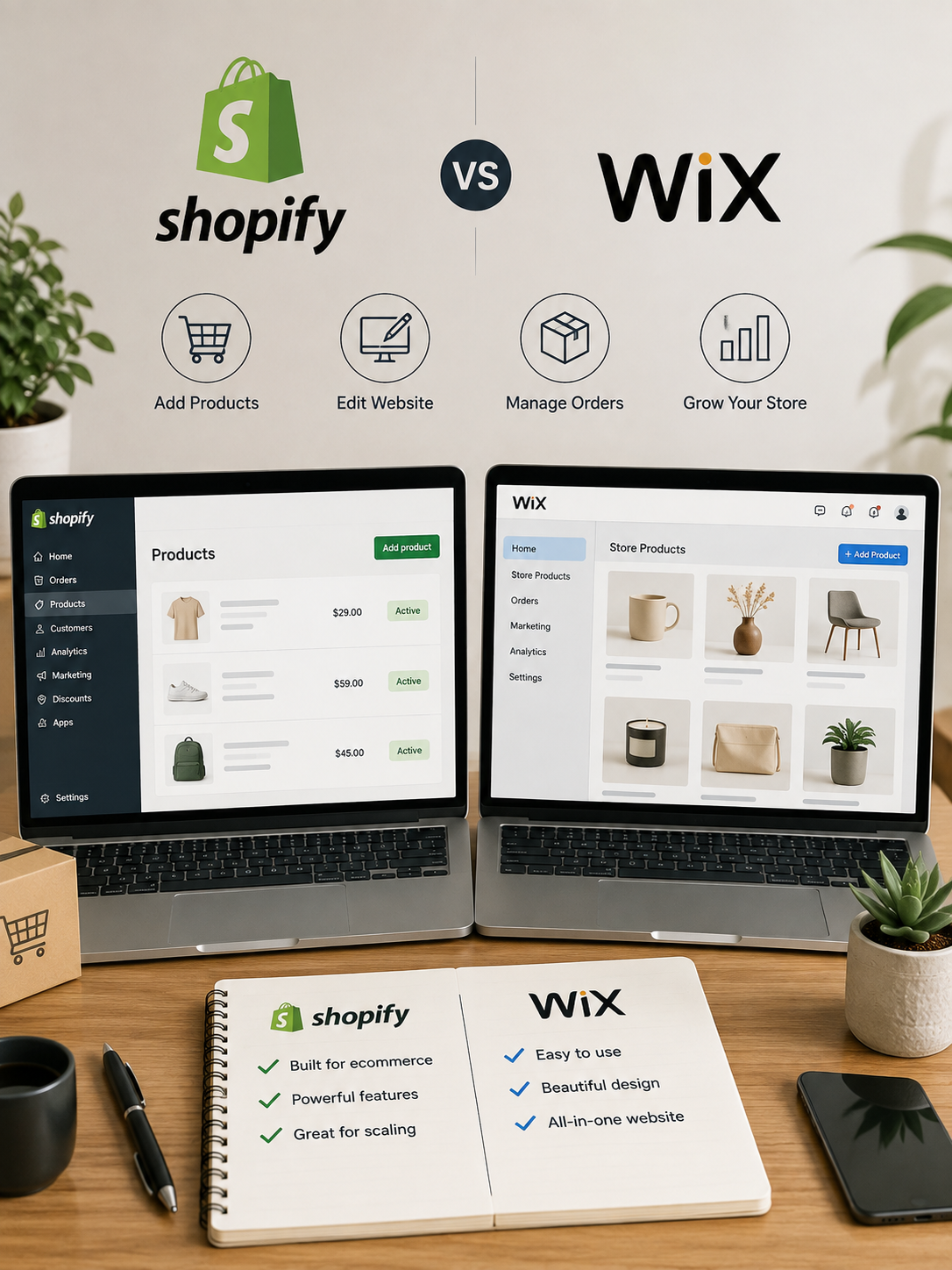
Editing the Website: Wix Gives You More Room to Tinker
This is probably where Wix feels most immediately different.
Wix is fundamentally a website builder, and visual editing is a major part of its appeal. Wix currently promotes more than 2,000 website templates along with its website-building and AI tools. If you like arranging pages, changing layouts, building landing pages, and controlling the visual presentation of the site, that flexibility can be valuable.
For a small lifestyle brand, consultant, photographer, maker, or creator who also happens to sell products, this can make the website feel less like a standardized store and more like a complete branded site.
There is a downside, though. More design freedom creates more opportunities to spend time designing.
It is surprisingly easy to lose an afternoon adjusting spacing, rebuilding a product section, trying another layout, and changing fonts when none of those things is the reason sales are slow.
Shopify generally keeps the seller closer to a structured ecommerce environment. Themes can still be customized extensively, but the platform’s center of gravity remains commerce rather than free-form site design.
Whether that feels restrictive or helpful depends on the person running the store.
If you enjoy design and your website is an important part of the brand experience, Wix may be easier to live with. If you want to make reasonable design choices and then spend most of your time selling, Shopify’s structure may actually reduce distraction.
When an Order Arrives, the Comparison Changes
The first order is exciting.
The fiftieth order is work.
Once sales become regular, the order-management screen matters much more than the homepage editor. You need to know what was ordered, whether the customer paid, whether the order has been fulfilled, whether tracking was added, and what to do when something goes wrong.
Shopify’s order-management tools cover viewing and tracking orders, processing payments, making order changes, and handling returns and refunds.
Wix also provides a substantial order workflow. Its mobile app lets sellers process orders, mark them as paid or fulfilled, add tracking numbers, contact customers, print packing slips, and update multiple orders.
For a store processing a handful of weekly orders, either workflow may be perfectly adequate. As the business grows, however, I would look carefully at how many clicks it takes to complete the tasks you repeat most often.
That is the kind of difference that rarely looks dramatic in a feature table but can become very noticeable after several hundred orders.
Running the Store From Your Phone Matters More Than It Sounds
A small business owner is not always sitting at a desk when something happens.
An order may arrive while you are having lunch. A customer may ask whether an item is still available. You may realize inventory is wrong while standing next to the actual product. A shipment may go out while your computer is somewhere else.
Both platforms now provide meaningful mobile management.
Shopify says its app can be used to manage orders, update the catalog, monitor store performance, edit the online store, capture payments, and create fulfillments.
Wix’s mobile tools allow sellers to add products, manage inventory, configure shipping and tax, fulfill orders, and perform other store-management tasks.
This is not necessarily a reason to choose one over the other, because both have invested heavily in mobile management. It is a reason to test the apps before committing.
Do not only ask whether a mobile app exists. Install it and try to complete an actual task.
Can you find an order quickly? Can you update inventory without opening a laptop? Can you understand what needs attention from the first screen?
Those little moments are part of what makes a platform pleasant—or irritating—to live with.
Wix Feels Natural When the Store Is Only One Part of the Business
Imagine a photographer who sells prints but also needs a portfolio, an About page, inquiry forms, blog posts, and perhaps booking functionality.
Or imagine a consultant who sells a few digital products alongside services and educational content.
In cases like these, ecommerce is important, but it is not the entire identity of the website.
Wix’s broader website-building approach can make sense because you are not trying to fit the rest of the business around a store. You are building a business website that happens to contain a store.
That distinction matters.
If you only have twenty products and most of your updates involve changing pages, writing content, showcasing projects, or adjusting the overall presentation, Wix may feel easier to live with even if Shopify technically offers stronger ecommerce infrastructure.
The platform that matches your most frequent work usually wins.
Shopify Starts Making More Sense as Ecommerce Becomes the Business
Now imagine a different operation.
You have dozens of products. Inventory changes regularly. New orders arrive every day. You run discounts, manage fulfillment, work with multiple sales channels, and expect the catalog to become larger next year.
In that situation, the website is no longer simply a place where you sell things.
The store itself is an operating system for the business.
This is where Shopify’s ecommerce-first structure becomes more compelling. Its admin, mobile tools, product system, order workflow, and app ecosystem are designed around merchants whose businesses increasingly revolve around selling.
This does not mean a tiny store needs Shopify.
It means that the larger ecommerce becomes as a percentage of your daily work, the more important a commerce-focused workflow becomes.
Pricing Is Closer Than the Marketing Can Make It Look
Price is often presented as a major deciding factor, but for a real store the difference may be less important than expected.
Wix currently advertises annual ecommerce plans starting around $29 per month for basic ecommerce capability, with more advanced tiers costing more. Shopify also offers multiple pricing tiers and encourages merchants who are unsure to use a trial before choosing a plan.
The subscription alone is not enough to tell you which platform will cost less.
Apps, payment processing, premium themes, email tools, shipping integrations, and other services can eventually matter more than a modest difference between base plans.
If Wix includes something your business would otherwise need a paid Shopify app for, Wix may be cheaper for you. If Shopify’s built-in ecommerce workflow replaces several external tools you would otherwise need, the opposite can happen.
This is why I would not choose between Shopify and Wix based on a $5 or $10 monthly difference unless the business is operating on an extremely tight budget.
Time and operational friction can cost far more.
The App Ecosystem Can Change How the Store Feels Later
You probably will not know every feature your store will need when you launch.
That is normal.
Maybe six months from now you want subscriptions. Later you add bundles. Then you want a loyalty program, specialized shipping rules, or a new marketing integration.
Shopify has an extensive app ecosystem, and its own guidance treats apps as an important way to add features and functionality to a store.
Wix also has an ecosystem of business tools and integrations, and for many small stores its built-in capabilities may already cover most needs.
The important issue is not which marketplace contains the most apps.
It is whether the tools you are likely to need are available, reliable, and affordable.
A large app marketplace is valuable when you have an unusual business requirement. It is less valuable if it encourages you to install six subscriptions you never really needed.
There Is Also the Question of How Much Store You Actually Want to Manage
Sometimes the easier platform is simply the one that prevents you from building a more complicated business than necessary.
This matters especially for small sellers.
Suppose you sell twenty handmade products and receive ten orders a week. You probably do not need sophisticated automation, complex inventory systems, and a massive stack of integrations.
In that situation, Wix may be entirely sufficient, particularly if you enjoy its design environment and already use the website for other purposes.
On the other hand, if those ten weekly orders are becoming thirty, then sixty, and you are adding new products every month, choosing a system with more ecommerce depth may prevent you from having to rethink the entire store later.
There is no prize for choosing the more powerful platform.
There is also no prize for saving a little money today and rebuilding everything next year.
What Happens When Something Goes Wrong?
An ecommerce platform feels easy when everything is working.
The harder test comes when a customer wants a refund, an address needs changing, an order must be canceled, inventory is wrong, or a payment needs attention.
These situations are where good administrative design matters.
You want to find the order quickly, understand its status, and know what action to take without searching through several unrelated screens.
Both Shopify and Wix provide support documentation for these kinds of operational tasks, and both allow substantial order management from mobile devices.
The difference is likely to be personal rather than purely functional.
One interface will probably make more sense to you than the other.
That is why a trial should include deliberately testing an imperfect order instead of only admiring your perfect homepage.
The Best Test Is to Pretend the Store Has Been Open for Six Months
If you are seriously deciding between Shopify and Wix, I would not spend the entire trial period building a beautiful demonstration site.
Instead, create a deliberately ordinary store.
Add ten products. Give a few of them variants. Change several prices. Put one product out of stock. Create a discount. Place a test order. Process it. Change the inventory. Check everything on your phone.
Then go back the next day and make changes again.
The platform that felt exciting during setup is not necessarily the one that will feel easiest on an ordinary Tuesday morning.
What you are testing is not whether the platform can build your store.
Both can.
You are testing how much effort it takes to keep the store alive.
So, Is Shopify or Wix Easier for a Small Online Store?
For a very small store, there is no automatic winner.
If you want a flexible website first and an online store second, Wix is likely to feel more natural. This is especially true if your business depends heavily on visual pages, content, services, portfolios, or other non-store parts of the website.
If ecommerce itself is becoming the center of the business, Shopify is likely to feel more natural. Its product and order workflows are built around the assumption that selling is what you spend most of your time doing.
That leads to a fairly simple way to decide.
Ask yourself what you expect to open most often six months from now.
If the answer is the page editor, content tools, and website design, I would look closely at Wix.
If the answer is products, inventory, orders, customers, fulfillment, and sales reports, I would look closely at Shopify.
Neither choice is about which company has more checkmarks on a comparison chart.
It is about which platform gets out of your way more often.
Because after the excitement of launching the store is gone, that is what you will notice every day.
✅ Last Updated on August 12, 2026 by GET Great Picks Team