



Choosing an ecommerce platform can feel surprisingly complicated when you are starting a small business. At first, most platforms seem to promise roughly the same things: an attractive storefront, easy product management, secure payments, marketing tools, and everything you need to start selling online. Naturally, many new sellers end up comparing monthly prices and choosing whichever option appears to offer the most features for the least money.
That is understandable, but it is also one of the easiest ways to choose the wrong platform.
The monthly subscription matters, but it is rarely the thing that determines whether you will enjoy running your store six months from now. What matters much more is how the platform fits the way you actually work. Adding products, changing prices, processing orders, updating inventory, creating discounts, dealing with refunds, checking customer information, and connecting marketing tools are the tasks you will repeat again and again. A platform that makes those everyday jobs simple can save far more time and frustration than one that merely saves a few dollars each month.
Start With the Kind of Business You Are Building
Before comparing Shopify, Wix, WooCommerce, Squarespace, or any other platform, it helps to stop thinking about platforms for a moment and think about the business itself.
A maker selling fifteen handmade products does not need the same system as a retailer managing hundreds of SKUs. A photographer selling prints may care heavily about presentation, while a business shipping physical products every day may care much more about inventory, fulfillment, shipping rules, and order management. Someone selling digital products may barely need shipping features at all but may depend heavily on automated delivery and email marketing.
This is why there is no useful universal answer to the question, “What is the best ecommerce platform?” The better question is, “Which platform fits the way I plan to sell?”
That distinction sounds small, but it changes the entire comparison.
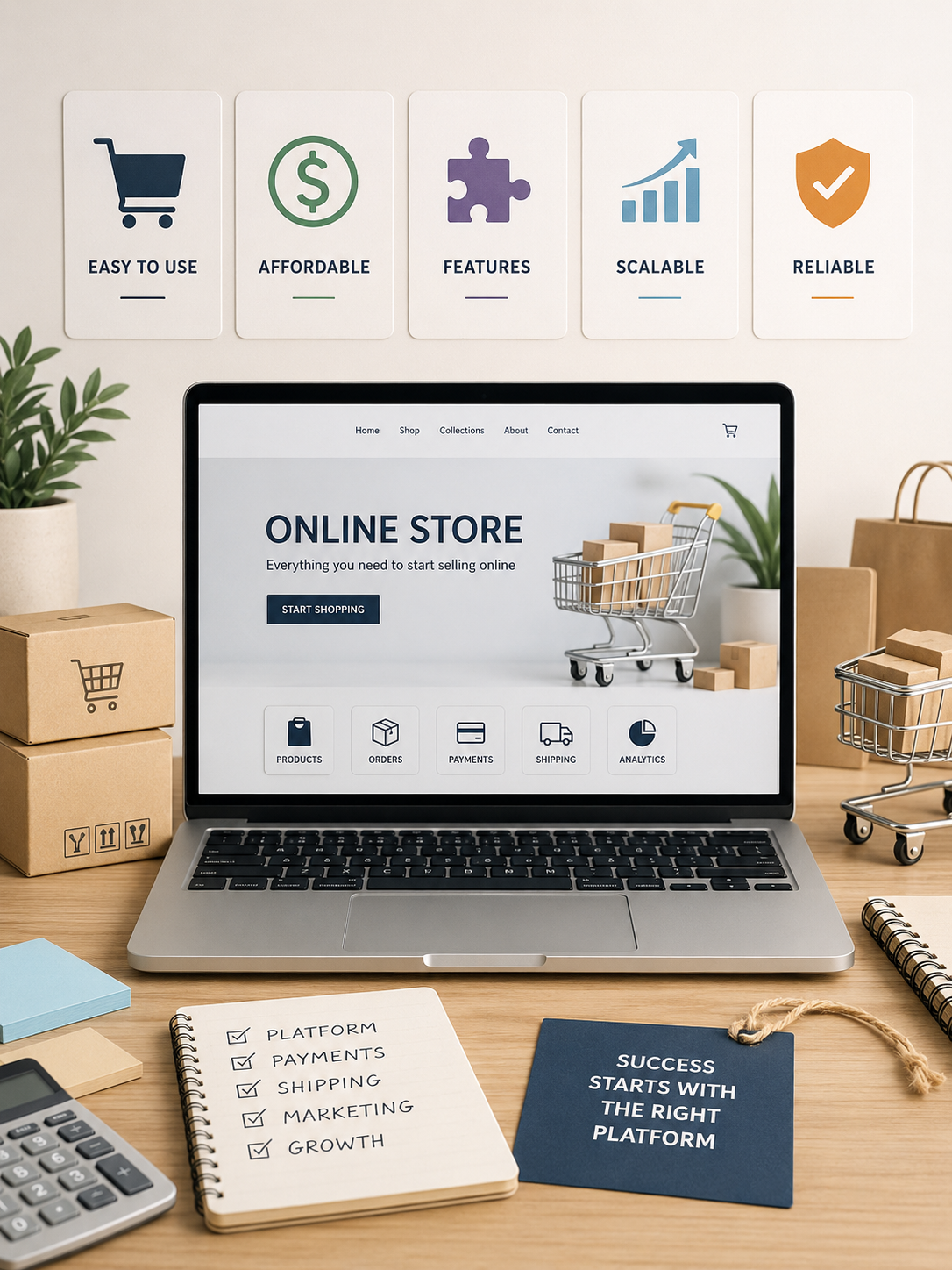
The Cheapest Plan Is Not Always the Cheapest Store
Pricing pages are often where people begin their research, and that makes sense when money is tight. The problem is that the advertised subscription price is only one part of the real cost of running an ecommerce business.
Depending on what you sell and how you operate, you may eventually pay for a domain name, payment processing, premium themes, marketing tools, product review apps, email services, shipping software, subscriptions, accounting integrations, or inventory tools. A platform that initially appears inexpensive can become considerably more expensive once several essential add-ons are included.
The reverse can also happen. A platform with a slightly higher monthly fee may already include tools that would otherwise require separate subscriptions. That is why it is more useful to estimate what your store will cost when it is fully working rather than simply comparing the cheapest plans.
Think about what you will realistically need during the first six to twelve months. If one platform requires three paid apps to perform tasks another platform handles natively, the lower subscription price may not mean much.
Pay Attention to the Work You Will Repeat
One of the biggest mistakes people make when testing ecommerce platforms is spending too much time designing the homepage.
It is understandable. Designing a store is the exciting part. You choose colors, move images around, adjust fonts, and try different layouts. Unfortunately, once the store is running, you probably will not spend much of your day redesigning the homepage. You will spend far more time inside the admin area.
That is where I would focus during a trial.
Try adding several products rather than just one. Add variations such as sizes or colors. Change a price, update inventory, create a discount code, look at the order screen, and see how refunds are handled. If possible, try performing some of those tasks from your phone as well.
None of this is glamorous, but it gives you a much better idea of what living with the platform will actually feel like.
The easier those routine jobs are, the less time your store will demand from you later.
Be Realistic About Your Technical Comfort Level
Flexibility sounds wonderful when you are reading a feature comparison. More control, more customization, and more options almost always sound like advantages.
They are advantages only if you want to use them.
Some business owners are perfectly comfortable managing hosting, plugins, backups, updates, and occasional technical problems. For them, a highly flexible system can be a good fit. Other sellers would rather pay for a hosted platform where much of that maintenance is handled for them.
Neither approach is inherently better.
The important thing is to be realistic about how you want to spend your time. If you enjoy working on websites and want control over the technical side, flexibility may be valuable. If your goal is to spend most of your time developing products, marketing, or serving customers, simplicity may be worth considerably more than it first appears.
A tool does not have to be technically impressive to be useful. It has to make your business easier to run.
Product Management Matters More as Your Store Grows
Almost any ecommerce platform can handle a handful of products reasonably well. The differences become more noticeable when the catalog starts growing.
Imagine having to change the prices of fifty products, update inventory across several variations, reorganize a large collection, or import hundreds of items. Tasks that seemed irrelevant when you launched with ten products can become major parts of your workflow later.
Before choosing a platform, look at how it handles product variants, bulk editing, inventory, categories or collections, product imports, SKUs, and out-of-stock items. You may not need advanced catalog management today, but it is worth knowing whether the platform gives you room to grow.
This is also why I would spend at least as much time examining the product-management interface as looking at storefront templates. Your customers will see the storefront, but you are the person who has to live inside the dashboard.
Payment Options Deserve More Attention Than They Get
Payment processing is another area that is easy to overlook during setup. Many sellers simply assume that if a platform accepts credit cards, the payment side is taken care of.
There is more to consider.
Payment processors vary by country, and not every payment method is available everywhere. Processing fees, payout times, refund handling, supported currencies, and the availability of external payment gateways can all affect the experience of running the store.
This becomes even more important if you plan to sell internationally. A platform may look ideal until you discover that the payment provider you intended to use is unavailable in your country or that using an external gateway adds additional costs.
Before you spend days building a store, check whether the platform supports the payment methods that actually matter to your customers and your business.
Apps Can Solve Problems, but They Can Also Create Them
One of the great advantages of established ecommerce platforms is their ecosystem of third-party apps and integrations. If you need reviews, subscriptions, upsells, loyalty programs, advanced shipping, email marketing, or specialized inventory tools, there is often an app that can add the feature quickly.
That flexibility is valuable, but it has a downside.
A store that begins with one simple subscription can gradually turn into a collection of ten different monthly payments. Each additional app also introduces another service to manage, another potential compatibility issue, and another company whose pricing or product could change later.
This does not mean you should avoid apps. It simply means you should distinguish between features that are genuinely important to the business and features that sound interesting while you are browsing an app marketplace.
Before choosing a platform, make a short list of the functions you know you need. Then check how many are built in and how many require third-party tools. That comparison can reveal far more about the real cost and complexity of a platform than the main pricing page.
Design Freedom Is Useful, but It Can Become a Distraction
The appearance of your store matters. Customers need to feel that the business is credible, products need to be presented clearly, and the site should look consistent with your brand.
At the same time, small business owners can easily spend far too much time trying to make a website perfect.
An ecommerce store does not need endless design freedom if that freedom leads to endless redesigning. What it needs is a clear structure that helps customers understand what you sell, why it is useful, how much it costs, and how to buy it.
For some businesses, a highly flexible visual builder is important because content and branding play a major role in the site. For others, a more structured ecommerce design system may actually be an advantage because it reduces the number of decisions required.
This is one area where your preference really matters. The best platform is not necessarily the one that allows the most customization. It is the one that gives you enough control to create the store you need without constantly pulling you back into design work.
Think About Marketing Before You Launch
Building the store is only part of creating an ecommerce business. Once it exists, people still need to find it.
Think about how you expect customers to arrive. You may plan to use Google search, Pinterest, social media, email marketing, paid advertising, content marketing, or shopping feeds. Your platform does not necessarily need to provide all of these tools itself, but it should work reasonably well with the channels that matter most to you.
For example, if search traffic will be important, look at how much control you have over page titles, descriptions, URLs, product information, and blog content. If email is central to your strategy, check how easily customer data and purchase behavior can connect with the email tools you want to use.
Marketing integrations often look like something you can worry about later. In practice, they can become a major part of how smoothly the business operates.
Physical Product Sellers Should Examine Shipping Early
Shipping is another subject that tends to be ignored until the first real order arrives.
Then suddenly it matters a lot.
If you sell physical products, check how the platform handles shipping zones, free-shipping thresholds, flat-rate shipping, calculated rates, local pickup, tracking, labels, and different rules for different products. If you already use a particular carrier or fulfillment service, find out whether it integrates properly with the platform.
A slightly awkward shipping workflow may not seem important when you are processing five orders a month. At fifty or five hundred orders, those extra steps become a meaningful amount of work.
Ecommerce platforms are often compared by what shoppers can see, but the back-office workflow can have a much bigger effect on the owner.
Choose for the Business You Have, With Some Room for the Business You Want
There is no need to choose an enterprise-level system because you hope your business will become enormous one day. Paying for complexity you do not need is not good planning.
At the same time, it is worth looking a little beyond your first month.
Ask yourself what would happen if your catalog grew substantially, if you started selling internationally, if you hired someone to help manage orders, or if you added another sales channel. You do not need those capabilities immediately, but you should understand how difficult they would be to add later.
Moving an ecommerce store from one platform to another is possible, but it can involve products, customer records, URLs, integrations, analytics, design work, and SEO. Choosing a platform with reasonable room for growth can help you avoid that disruption.
The goal is not to predict everything your business will ever need. It is simply to avoid choosing something you are likely to outgrow almost immediately.
So, Which Ecommerce Platform Should a Small Business Choose?
Different platforms are suited to different situations, which is why I would be cautious of any article that declares one platform the winner for every small business.
A commerce-focused platform such as Shopify can make sense when selling products is the core of the business and you expect inventory, orders, fulfillment, and sales channels to become increasingly important.
A website builder such as Wix may be attractive when you want a broader business website where ecommerce is one part of the overall experience and visual flexibility matters to you.
WooCommerce can be appealing to people who already use WordPress and want significant control over their website, particularly if they are comfortable taking greater responsibility for hosting and maintenance.
Squarespace may suit businesses with relatively straightforward ecommerce requirements where visual presentation and content are especially important.
There are other platforms as well, and none of these names should automatically be your choice simply because they are popular. The best fit depends on the kind of products you sell, the size of your catalog, how technical you want to be, and how you expect the business to grow.
Test the Platform Like a Store Owner, Not a Website Designer
A useful way to make the final decision is to narrow your options to two or three platforms and perform the same basic tasks on each one.
Instead of spending the entire trial period creating a beautiful homepage, build a rough store and use it. Add several products, create variants, adjust inventory, set up a discount, explore shipping options, look at payment settings, and examine the order-management process.
Notice how quickly you understand the system without searching for instructions.
You are not only testing whether the platform can perform a task. You are testing how much friction it adds to that task.
That difference matters because a small annoyance repeated once is irrelevant. A small annoyance repeated five hundred times becomes part of your job.
The Platform Should Support the Business, Not Become the Business
For a small business, the best ecommerce platform is rarely the one with the longest feature list. It is the one that handles the work you actually need to do without creating unnecessary complexity.
Price matters, but so do payment options, apps, product management, shipping, marketing integrations, technical maintenance, and the amount of time required to keep everything working. Those factors are harder to compare than monthly subscription prices, but they have a much greater effect on the experience of running the store.
Choose a platform that fits the business you have today while giving you sensible room to grow. Most importantly, choose one that lets you spend more time working on your products and customers rather than constantly working on the website itself.
Your ecommerce platform should be infrastructure in the background of your business—not another full-time job.
✅ Last Updated on August 12, 2026 by GET Great Picks Team