


Starting an online store is easier than it used to be. Choosing the right platform, however, can still be difficult.
Many ecommerce platforms appear affordable at first, but the monthly subscription is only one part of the cost. Payment processing, transaction fees, premium templates, apps, shipping tools, and future upgrades can all affect what you actually pay.
The wrong platform can also create problems as your business grows. You may discover that an essential feature requires an expensive app, your store cannot support a new sales channel, or moving to another platform is far more complicated than expected.
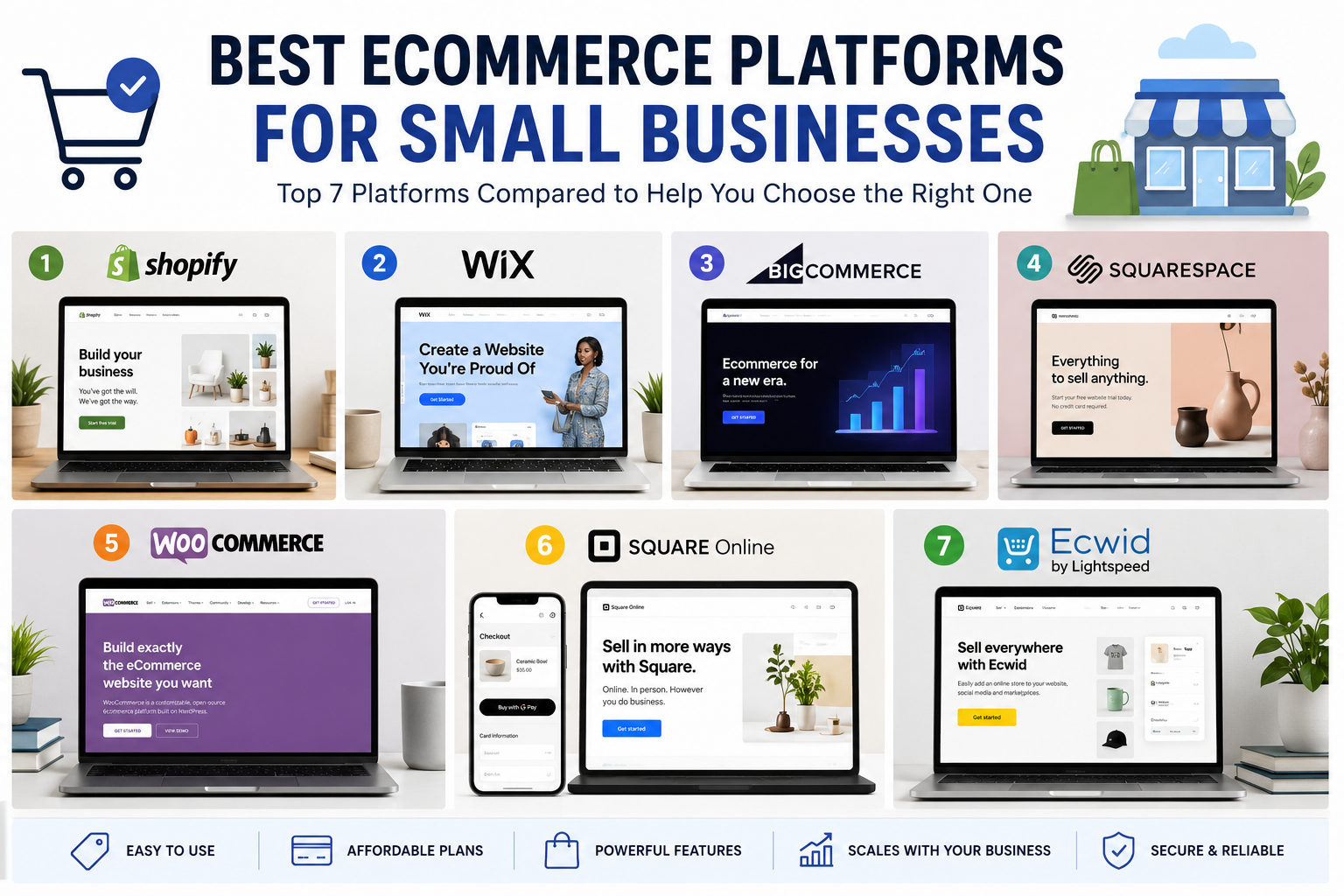
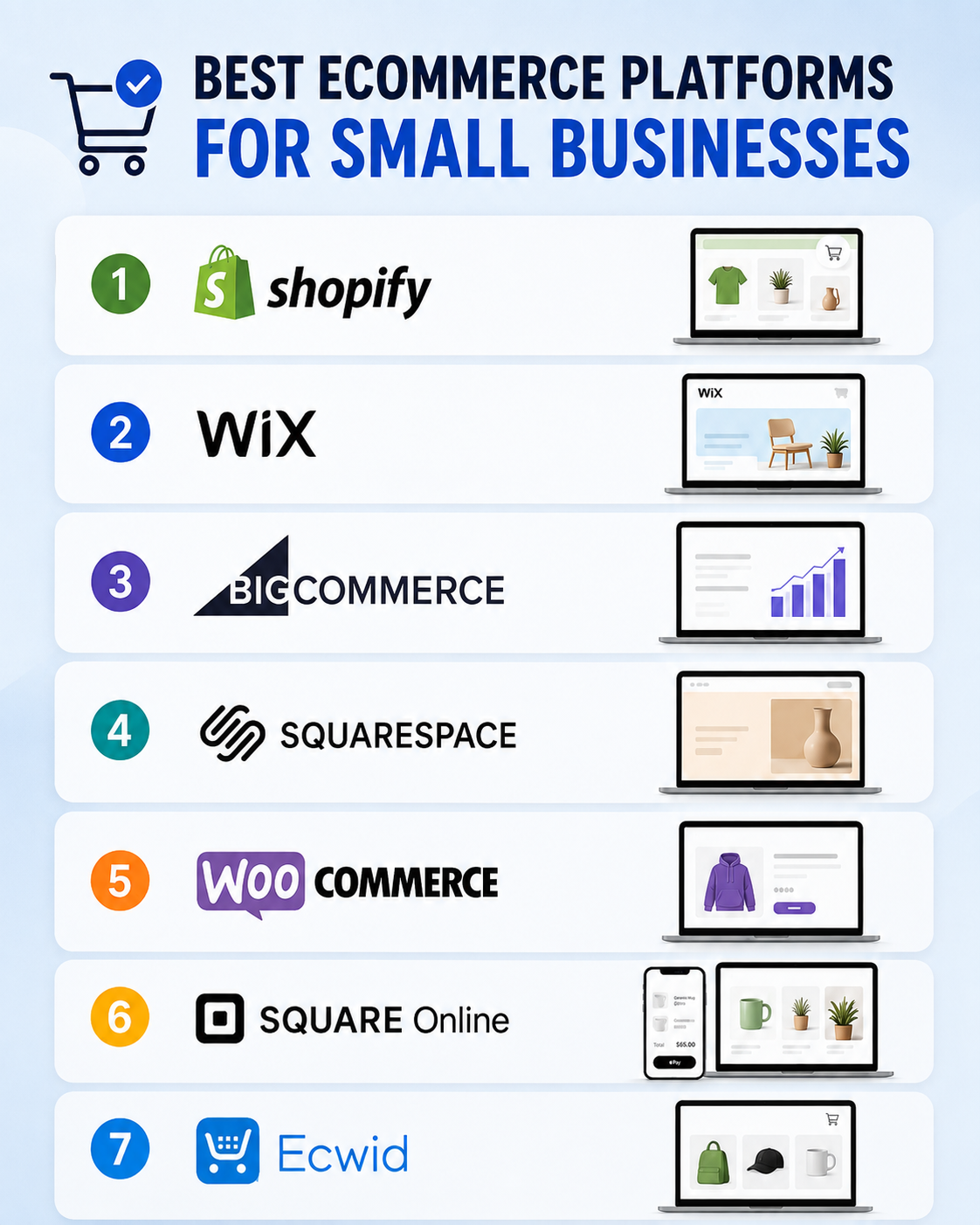
This guide compares seven of the best ecommerce platforms for small businesses based on ease of use, built-in selling tools, customization, scalability, and overall value.
Quick Comparison of the Best Ecommerce Platforms
| Platform | Best for | Ease of use | Customization | Starting cost |
|---|---|---|---|---|
| Shopify | Best overall ecommerce platform | Excellent | High | Paid subscription |
| Wix | Beginners and service-based businesses | Excellent | Medium–High | Ecommerce plan required |
| BigCommerce | Growing and complex stores | Moderate | High | Paid subscription |
| Squarespace | Design-focused brands | Excellent | Medium | Commerce-capable plan |
| WooCommerce | WordPress users wanting control | Moderate | Excellent | Core plugin is free |
| Square Online | Local and in-person businesses | Excellent | Medium | Free and paid options |
| Ecwid | Adding a store to an existing website | Excellent | Medium | Free and paid options |
Prices, available plans, payment methods, and features can vary by country and may change over time. Always check the platform’s current terms before subscribing.
1. Shopify: Best Overall Ecommerce Platform for Small Businesses
Shopify is our best overall choice for small businesses that want a dedicated ecommerce platform capable of supporting both a new store and a growing retail operation.
Unlike general website builders that later added ecommerce features, Shopify is designed primarily around selling. Its plans combine hosting, store management, checkout, product listings, analytics, and sales-channel integrations in one system.
Shopify also supports online and in-person selling. The platform states that its stores are PCI DSS compliant by default, which removes part of the technical security burden from store owners. However, payment options, Shopify Payments availability, and pricing can differ between countries. (Shopify)
Why Shopify works well for small businesses
Shopify provides a relatively straightforward path from opening a store to processing orders. Business owners do not have to arrange separate hosting or manually maintain the underlying ecommerce software.
Its ecosystem is another advantage. Store owners can add marketing, subscriptions, product reviews, print-on-demand fulfillment, accounting integrations, and many other functions through Shopify’s app marketplace.
The disadvantage is that these add-ons can increase the true monthly cost. A store that needs several paid apps may become substantially more expensive than its advertised subscription price.
Shopify is best for
- Product-based businesses that want to start selling quickly
- Stores expecting to grow beyond a very small catalog
- Businesses selling both online and in person
- Owners who prefer an all-in-one hosted system
- Merchants who want access to a large app ecosystem
Potential drawbacks
- Paid apps can increase operating costs
- Advanced customization may require a developer
- Payment and transaction costs vary by plan and region
- Migrating away later can require considerable work
Verdict
Shopify is the safest general recommendation for a small business whose main goal is selling products online. It is not always the cheapest option, but its ecommerce focus makes it suitable for businesses that do not want to assemble their store from several separate services.
Best choice for: Small businesses that want a serious online store without managing hosting and software updates.
CTA: Check Shopify’s Current Plans
2. Wix: Best Ecommerce Platform for Beginners
Wix is a strong option for business owners who want a visually attractive website with ecommerce features but do not want to learn WordPress or manage technical store infrastructure.
Its drag-and-drop approach gives beginners more visual control than many dedicated ecommerce platforms. Wix also provides templates, AI-assisted site-building tools, hosting, analytics, and business features within the same environment. The company currently advertises more than 2,000 website templates, although the availability and suitability of individual templates may vary. (wix.com)
Wix’s ecommerce pricing depends on region and billing arrangement. Its own ecommerce guidance indicates that ecommerce-capable plans can range considerably in price, so businesses should compare the exact features included in each locally available plan. (wix.com)
Why Wix works well for small businesses
Wix is particularly useful when the website needs to do more than display products. A consultant, salon, restaurant, photographer, or local service provider may need content pages, booking tools, forms, portfolios, and a small product catalog.
For those businesses, Wix can provide a better balance between website design and ecommerce than a platform focused almost entirely on retail.
Wix is best for
- First-time website owners
- Small product catalogs
- Service businesses that also sell products
- Brands that want visual editing without coding
- Businesses combining bookings, content, and ecommerce
Potential drawbacks
- Large or complex catalogs may become harder to manage
- Changing templates after building the site may be inconvenient
- Some features require higher plans or additional apps
- It may offer less advanced commerce control than Shopify or BigCommerce
Verdict
Wix is one of the most approachable ecommerce website builders for beginners. Choose it when your company needs a complete business website with a manageable online store rather than a highly complex retail system.
Best choice for: Beginners who prioritize easy design and built-in business tools.
CTA: Explore Wix Ecommerce Plans
3. BigCommerce: Best for Growing and Complex Stores
BigCommerce is designed for businesses that expect their ecommerce requirements to become more complicated over time.
The platform supports features such as multi-currency and multilingual selling, customer-specific pricing, product rules, and more complex buying experiences. BigCommerce also presents its trial environment as a functioning store rather than a limited demonstration. (bigcommerce.com)
These capabilities can be valuable for businesses selling through several channels, working with both consumers and business buyers, or planning international expansion.
Why BigCommerce works well for small businesses
Some small businesses remain small in staff size while operating complex stores. A wholesaler, specialist manufacturer, or fast-growing direct-to-consumer brand may need functionality that simpler website builders cannot provide efficiently.
BigCommerce often includes more commerce functionality in the core platform, potentially reducing the need to assemble essential features from numerous apps. Whether that produces a lower total cost depends on the store’s specific requirements.
BigCommerce is best for
- Rapidly growing ecommerce businesses
- Stores with large or complicated catalogs
- Businesses planning international sales
- B2B and wholesale sellers
- Companies that want extensive built-in ecommerce functions
Potential drawbacks
- The interface may feel less approachable to complete beginners
- Setup can require more planning than Wix or Squarespace
- Small, simple stores may pay for capabilities they do not need
- Advanced design changes may require technical assistance
Verdict
BigCommerce is a compelling Shopify alternative for businesses that expect complex growth. A very small store may find it excessive, but it becomes more attractive when advanced catalog, pricing, and international selling requirements matter.
Best choice for: Growth-focused businesses that need sophisticated ecommerce tools.
CTA: View BigCommerce Plans and Free-Trial Details
4. Squarespace: Best for Design-Focused Brands
Squarespace is best known for polished website design, making it particularly suitable for brands whose presentation strongly influences the buying decision.
Artists, photographers, interior designers, boutique brands, food businesses, and creative professionals can combine editorial content, portfolios, product pages, and online sales within one consistent design system.
Squarespace offers monthly and annual subscriptions, while new annual website subscriptions may include one year of domain registration. The platform’s available plan names, commerce capabilities, fees, and pricing can vary by market, so buyers should review the current plan comparison presented in their own region. (squarespace.com)
Why Squarespace works well for small businesses
Squarespace makes it relatively easy to create a cohesive brand experience. Store owners can manage products while also publishing articles, project galleries, service pages, and promotional landing pages.
It is especially useful when the store itself is only one part of the business rather than the entire operation.
Squarespace is best for
- Creative businesses
- Visually driven brands
- Small boutique catalogs
- Businesses combining services and products
- Owners who want strong templates without extensive customization
Potential drawbacks
- Less extensive app ecosystem than Shopify
- Complex inventory operations may need another platform
- Transaction and payment-processing charges depend on the plan and region
- Advanced store customization is more limited than WooCommerce
Verdict
Squarespace is an excellent option when branding and presentation are more important than having the largest possible collection of ecommerce extensions.
Best choice for: Creative brands that want a beautiful website and a straightforward online store.
CTA: Compare Squarespace Commerce Plans
5. WooCommerce: Best for WordPress Flexibility and Control
WooCommerce is an open-source ecommerce platform built for WordPress. The core software is free to download and modify, and store owners retain control over their hosting, checkout, data, and technical environment. (WooCommerce)
This makes WooCommerce fundamentally different from hosted platforms such as Shopify or Wix. You are not paying one company to provide the complete environment. Instead, you assemble the store using WordPress, web hosting, a theme, WooCommerce, and any extensions or services you require.
Why WooCommerce works well for small businesses
WooCommerce provides exceptional flexibility. It can support physical products, digital downloads, subscriptions, bookings, services, and many specialized business models. Its marketplace includes both free and paid extensions. (The WooCommerce Developer Blog)
It is also a natural option for businesses that already run a WordPress website and want to add ecommerce without rebuilding everything on a separate platform.
However, free software does not mean a free store. You may still pay for:
- Web hosting
- A domain name
- Premium themes
- Security and backup services
- Payment processing
- Paid extensions
- Developer or maintenance support
WooCommerce is best for
- Existing WordPress website owners
- Businesses requiring specialized functionality
- Digital product sellers
- Content-heavy ecommerce websites
- Owners who want control over hosting and store data
Potential drawbacks
- Requires more maintenance than a hosted platform
- Extension conflicts can occur
- Costs are spread across several services
- Security, backups, and updates remain the owner’s responsibility
- Technical support is not centralized in one provider
Verdict
WooCommerce offers the most control in this comparison, but that control comes with responsibility. It is a strong choice for WordPress users and businesses with unusual requirements, not necessarily for owners seeking the simplest possible setup.
Best choice for: Businesses that value flexibility, ownership, and WordPress integration.
CTA: Learn More About Building a WooCommerce Store
6. Square Online: Best for Local and In-Person Businesses
Square Online is an attractive option for businesses already using Square for payments or point-of-sale transactions.
Its online store connects with Square Point of Sale so that products, orders, and inventory can be managed across online and physical sales. Square also supports different fulfillment methods and both single-page ordering experiences and multi-page ecommerce sites. (Square)
This makes it particularly useful for restaurants, cafés, local retailers, market sellers, and other businesses that need their physical and online operations to work together.
Why Square Online works well for small businesses
The platform lowers the barrier to testing online sales. Some markets offer a free starting option, although payment-processing charges and plan availability differ by country. (Square)
A business already using Square may also avoid the inconvenience of maintaining separate product and inventory systems.
Square Online is best for
- Brick-and-mortar retailers
- Restaurants and food businesses
- Local pickup and delivery
- Businesses already using Square POS
- Sellers testing ecommerce with a limited budget
Potential drawbacks
- Design control is less extensive than Wix or Squarespace
- Advanced ecommerce functions may require a paid plan
- It may not suit highly customized or international stores
- Square services are not equally available in every country
Verdict
Square Online is not the strongest universal ecommerce platform, but it can be one of the most practical choices for a local business already operating within the Square ecosystem.
Best choice for: Businesses that need online selling integrated with in-person payments.
CTA: Review Square Online Store Options
7. Ecwid: Best for Adding Ecommerce to an Existing Website
Ecwid is designed to let businesses add ecommerce to an existing website, social account, or other online presence without replacing the entire site.
A seller can create a centralized catalog and manage inventory, orders, and pricing from one system while selling through a website, social channels, marketplaces, and selected in-person channels. Ecwid also supports numerous payment options, although their availability depends on location and plan. (ecwid.com)
Why Ecwid works well for small businesses
Rebuilding a working website simply to add a shopping cart may be unnecessary. Ecwid can be embedded into an existing site, making it suitable for businesses that already have traffic, content, or established branding.
This approach can also reduce the disruption involved in migrating a complete website to another platform.
Ecwid is best for
- Businesses with an existing website
- Small catalogs
- Social media sellers
- Businesses testing additional sales channels
- Owners who do not want a complete website migration
Potential drawbacks
- Product and feature limits may depend on the plan
- Advanced functionality can require an upgrade
- It may feel less unified than building an entire site on one platform
- Pricing and plan structures can change, as Ecwid updated plan pricing in 2026. (ecwid.com)
Verdict
Ecwid solves a specific problem particularly well: adding a functional store to an online presence you already want to keep.
Best choice for: Small businesses that want ecommerce without rebuilding their existing website.
CTA: Compare Ecwid Plans and Features
Which Ecommerce Platform Should You Choose?
The best platform depends less on which company has the longest feature list and more on how your business actually operates.
Choose Shopify when:
Selling products is the central purpose of your website, and you want a hosted platform capable of supporting growth.
Choose Wix when:
You are a beginner and need an easy-to-design business website with a relatively straightforward store.
Choose BigCommerce when:
You expect complex catalogs, international expansion, B2B sales, or more advanced ecommerce requirements.
Choose Squarespace when:
Brand presentation, images, portfolios, and editorial content are as important as the shopping functionality.
Choose WooCommerce when:
You use WordPress, want maximum control, or need specialized functionality that a closed platform may not support.
Choose Square Online when:
You sell in person and want your physical and online inventory connected to the same payment ecosystem.
Choose Ecwid when:
You already have a website and want to add ecommerce without moving the entire site.
Costs to Check Before You Subscribe
Do not compare ecommerce platforms using the advertised monthly subscription alone. Calculate the expected cost of running the complete store.
Monthly or annual platform fee
Annual billing may reduce the effective monthly price, but it also requires a larger upfront commitment. Test the platform before purchasing a long subscription.
Payment-processing fees
Processing rates vary by payment provider, card type, country, currency, and subscription plan. A small difference can become important once sales volume increases.
Additional platform transaction fees
Some platforms may charge an additional transaction fee when you use an external payment gateway. Check whether this applies to your chosen plan.
Apps and extensions
Product reviews, subscriptions, advanced shipping, email marketing, and other functions may require paid add-ons.
Themes and design work
A free template may be sufficient initially, but a premium theme or professional setup can increase the launch cost.
Hosting and maintenance
Hosted platforms include hosting. WooCommerce requires separate hosting and may also require paid security, backup, and maintenance services.
Point-of-sale equipment
Businesses selling in person should include card readers, terminals, receipt printers, and other hardware in the comparison.
Features Small Businesses Should Prioritize
A long feature list is not automatically better. Focus on functions that directly support how you plan to sell.
Easy product and order management
Daily operations should not require technical assistance. Test how the platform handles products, variants, stock, refunds, and order status changes.
Reliable checkout
The checkout should work well on mobile devices and support payment methods trusted by your customers.
Shipping and local fulfillment
Check support for shipping zones, calculated rates, local pickup, delivery, and fulfillment integrations.
Sales-channel integrations
Consider whether you will sell through marketplaces, social media, a physical store, or multiple websites.
Marketing tools
Discounts, abandoned-cart tools, email integrations, product reviews, analytics, and search optimization can influence growth.
Scalability
Look beyond your first ten products. Consider how the platform will handle a larger catalog, more orders, additional staff, and international customers.
Support and maintenance
Decide whether you prefer one company to manage the technical system or are comfortable coordinating hosting, plugins, and developers yourself.
Our Final Recommendation
For most small businesses starting a product-focused online store, Shopify offers the strongest overall combination of usability, ecommerce tools, and room for growth.
That does not make it the best platform for every business.
Wix is easier for beginners building a broader business website. Squarespace is better suited to visually focused brands. BigCommerce becomes attractive for more complicated operations. WooCommerce provides superior control for WordPress users. Square Online is practical for businesses combining physical and online sales, while Ecwid is useful for adding a store to an existing website.
Before choosing, create a list of the features your business needs now and the features it is likely to need within the next two years. Then compare the complete operating cost—not merely the introductory subscription price.
Frequently Asked Questions
What is the easiest ecommerce platform for a small business?
Wix and Shopify are among the easiest platforms for beginners. Wix provides greater visual website-editing freedom, while Shopify offers a more ecommerce-focused operating system.
What is the best ecommerce platform for a new online store?
Shopify is the strongest general option for a new product-based store. Wix or Squarespace may be more appropriate when ecommerce is only one part of a broader service or content website.
Can I start an ecommerce website for free?
Some platforms offer free plans or free trials, but operating a professional store usually involves payment-processing fees and may require a domain, paid plan, apps, or additional services.
Is WooCommerce really free?
The WooCommerce core plugin is free to download and modify. However, a functioning store still requires WordPress hosting and may involve costs for a domain, theme, extensions, security, backups, and maintenance. (WooCommerce)
Is Shopify better than WooCommerce?
Shopify is generally easier to operate because hosting, platform security, and software maintenance are managed within the service. WooCommerce provides more control and customization but requires more technical management.
Can I move my store to another platform later?
Migration is possible, but products, customer data, order history, design, URLs, apps, and search rankings may not transfer perfectly. Choosing a platform that can support your expected growth reduces the risk of an expensive migration.
✅ Last Updated on August 1, 2026 by GET Great Picks Team